Underkeep Beginner Guide (2026)
The first screen asks for four heroes. Each one is a race, a class, a name, and a portrait. You do not spend points there, so the opening decision is smaller than it looks.
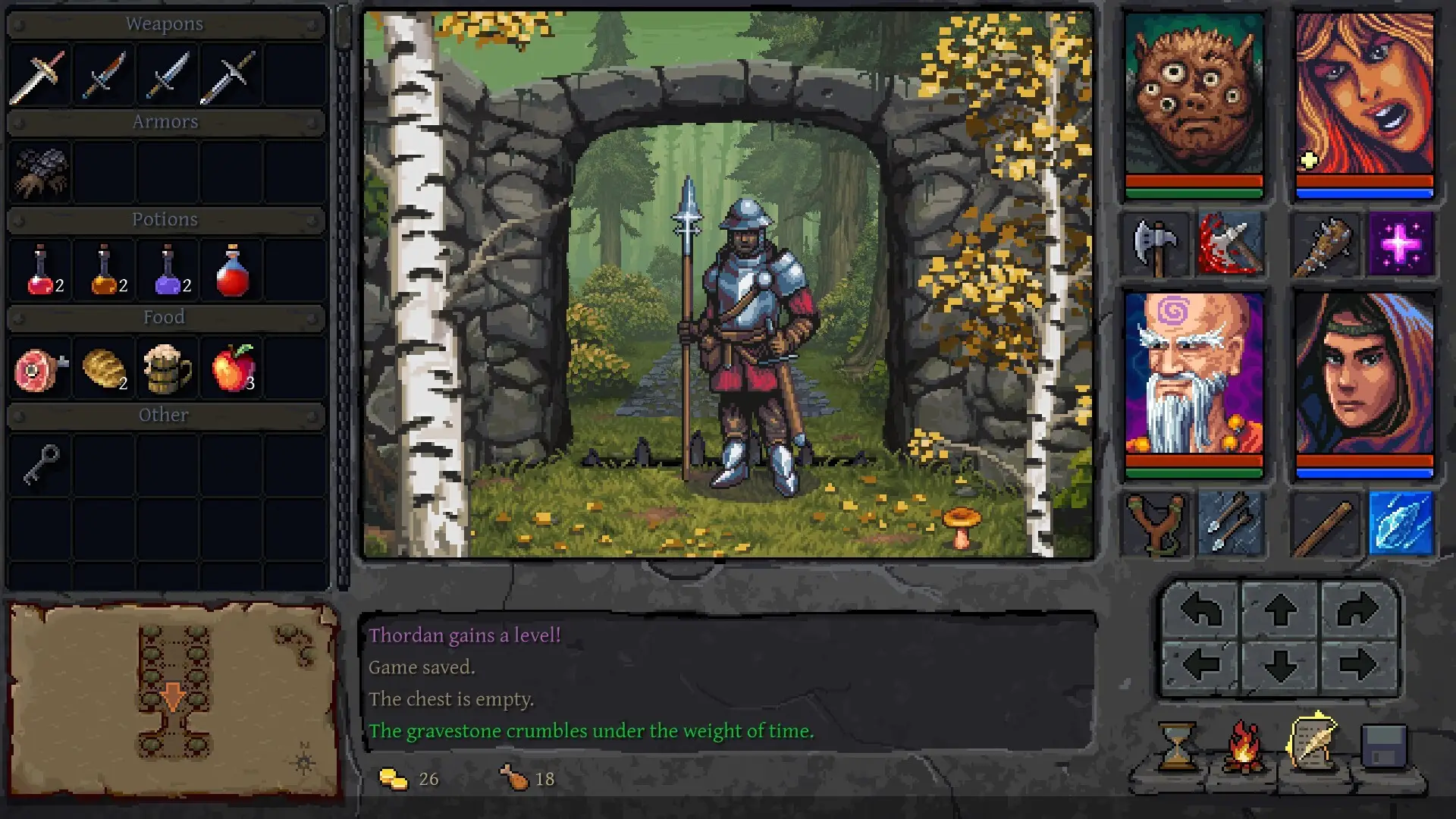
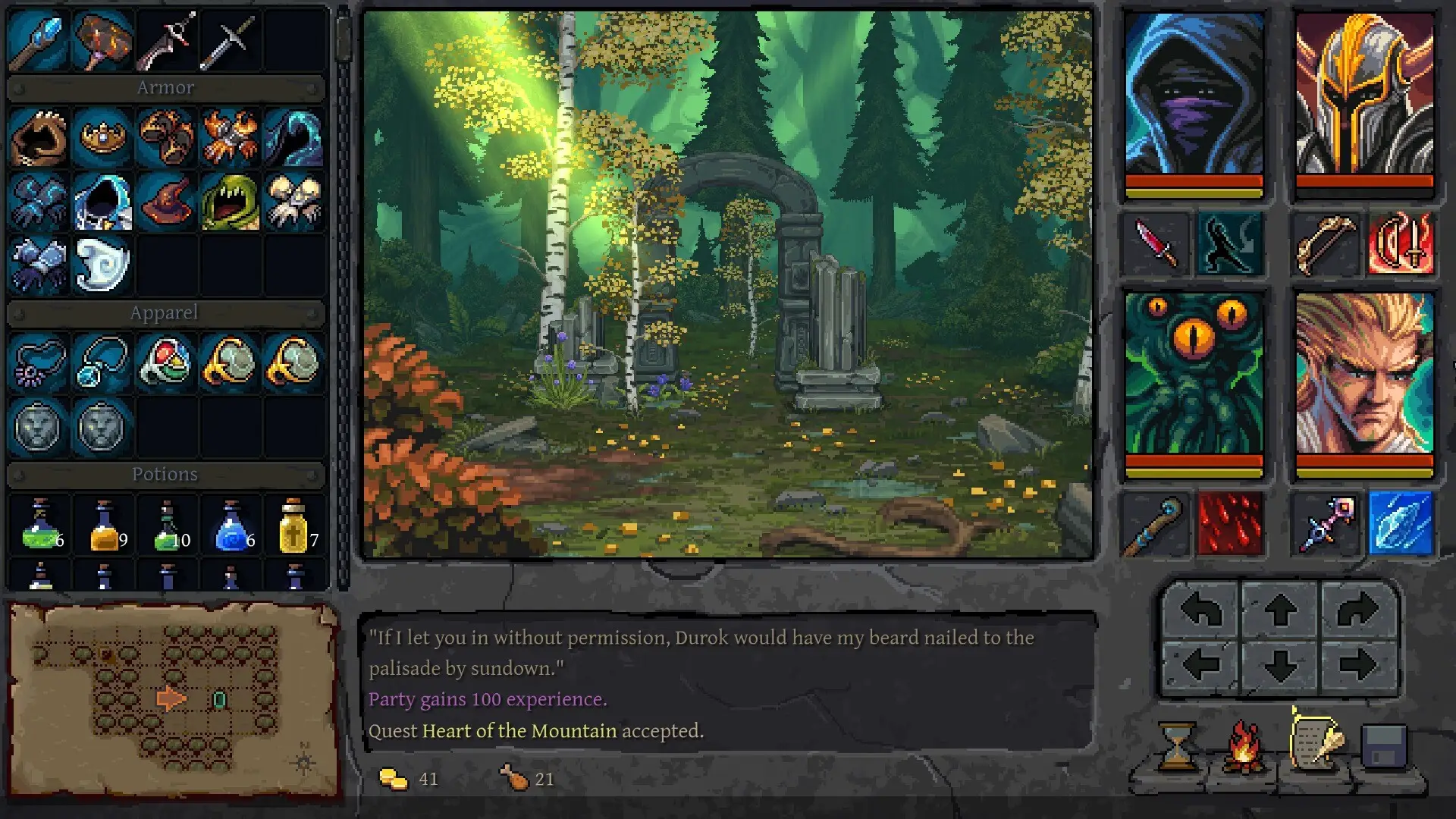
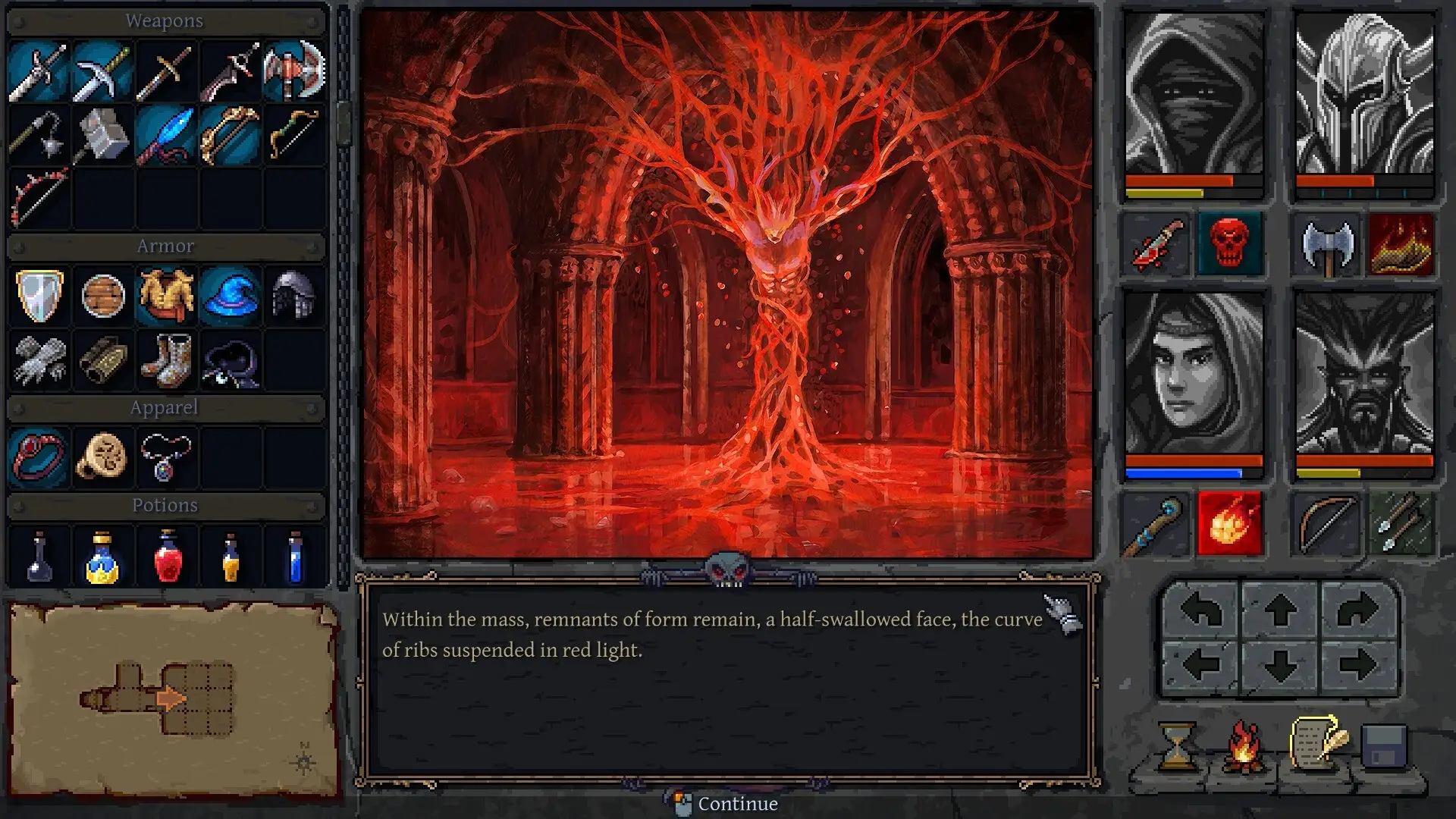
The opening path the posts agree on
The demo, and the launch review of the full game, both start in a forest approach and then enter a dungeon. Food sits in its own bar in the demo shot: meat, bread, an apple. A camp control is part of the same interface family as the turn buttons. Exact hunger math is not printed, so this page will not tell you how many apples equal a rest.
Difficulty and the crate
Three difficulty settings exist, and you can change them during a run. They mainly change fights. After the February 2026 Next Fest, the studio said many players got stuck destroying a wooden crate, and that the release would teach that action more clearly. If the first room feels obtuse, that crate is the documented stumbling block, not a secret.
Controls and comfort
Keys can be rebound. You can turn off animations, impact sounds, camera shake, and the delay before a tooltip. Saves are available without a timer, and the store categories include mouse-only and touch input. Naming a hero on a controller: launch Big Picture, stand on the name field, and press Y for the on-screen keyboard. That tip is from the developer FAQ.
Controller support itself is a conflict, written up on the platforms page: Steam says partial, the studio’s own copy says full. I am not telling a new player “the pad works completely”.
Party building, if you want roles before you commit four names, sits on the party page. Class spellings that disagree between the developer and a review sit on the classes page.
Questions
What do I choose at the start?
Race, class, name, and portrait for each of four heroes. Skill points and traits are not assigned on that screen.
Can I change difficulty later?
Yes. The developer said the three settings can be switched during play and mainly affect combat.
How do I type a name with a controller?
Use Steam Big Picture and press Y on the name field to open the on-screen keyboard.
Sources
- Pro Game Guides review, 4 Nov 2026 — checked 2026-11-05
- Steam announcement 30 May 2026, Closer to the Depths — checked 2026-11-05
- Steam announcement 23 Feb 2026, Next Fest — checked 2026-11-05
- Developer FAQ on Steam discussions — checked 2026-11-05
- Steam store page (app 2411200) — checked 2026-11-05
- Steam demo page (app 4346510) — checked 2026-11-05